

- Log in to the Hosting Panel at https://clients.hostingraja.in/
- In the left sidebar, click Managed WordPress:

- On the My Websites page, click Add Website:

- On the Add a Website page, in the Site name/label text box, type your WordPress site’s name:
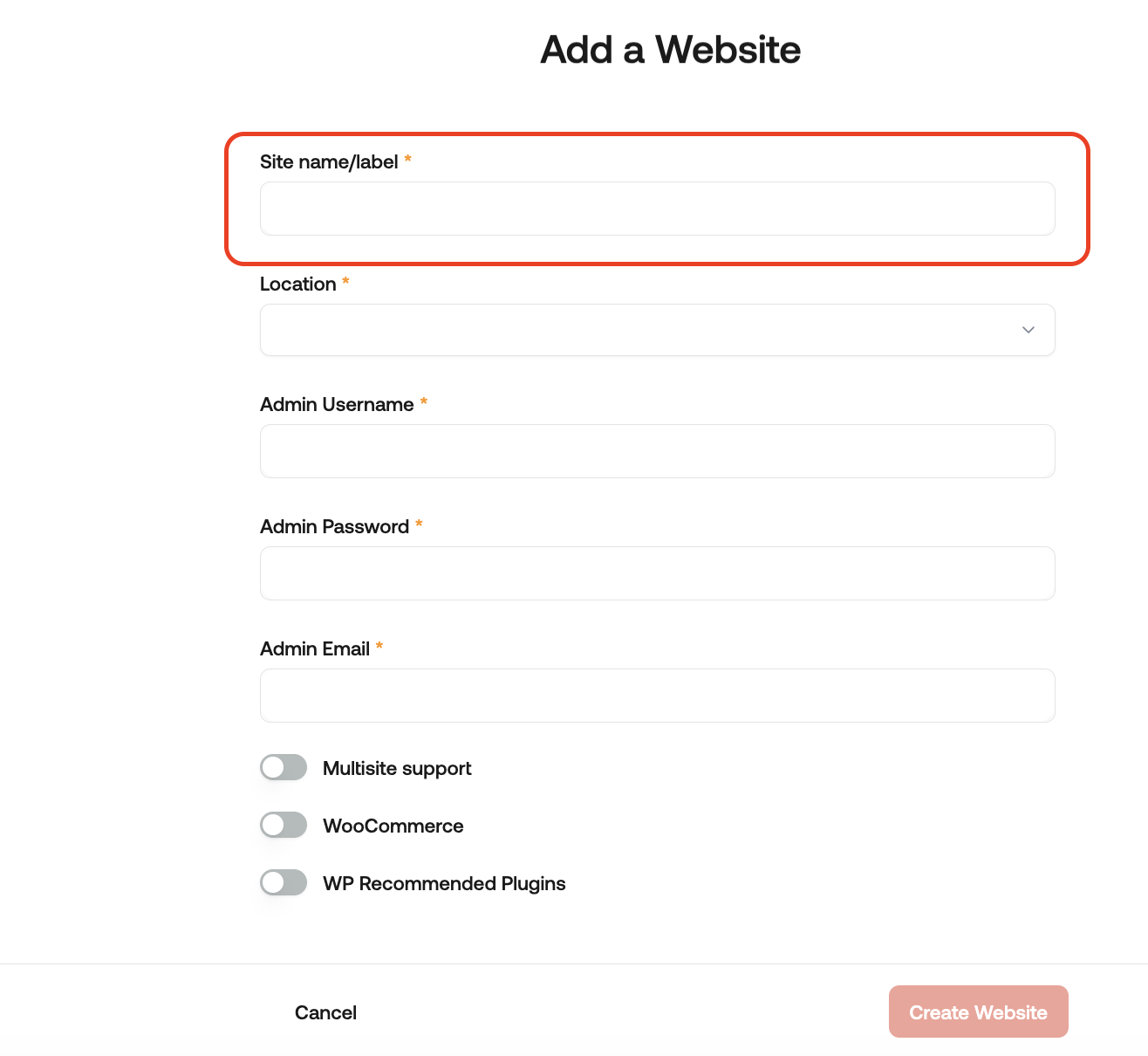
- In the Location list box, select the location for your WordPress site.
- In the Admin Username text box, type the admin username you want to use.
- In the Admin Password text box, type a complex password for the admin user.
- In the Admin Email text box, type your admin email address to receive important WordPress emails.
- Enable any additional options for your site, and then click Create Website.
For information about how to manage your new site, go to How to manage your site on hostingraja.in Managed WordPress.