

- Log in to the Hosting Panel at https://clients.hostingraja.in/.
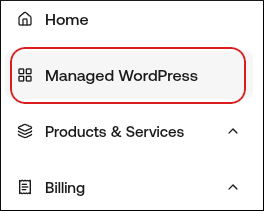
- In the left sidebar, click Managed WordPress:
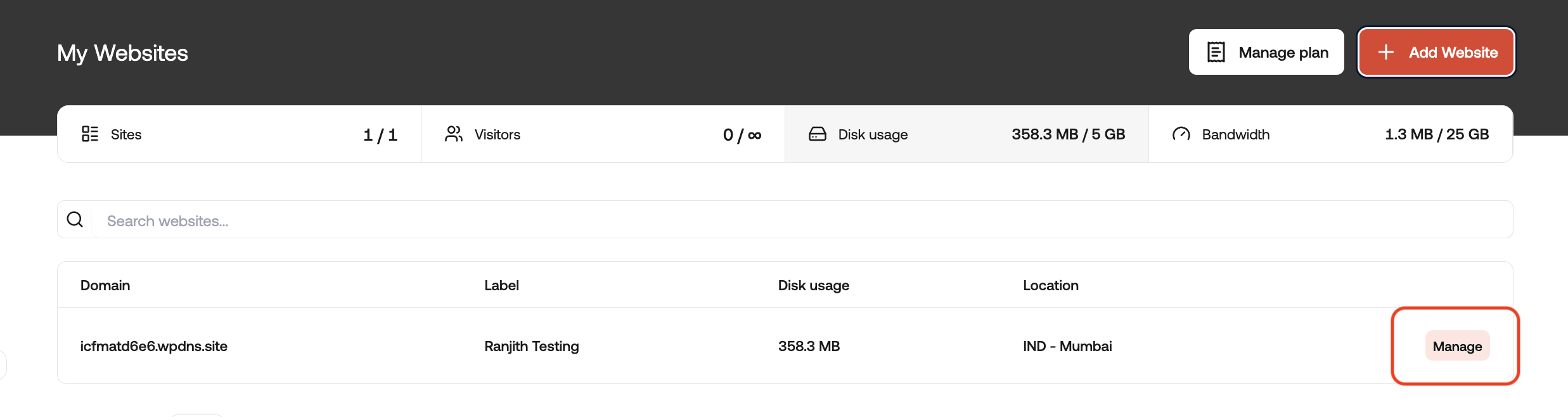
- On the My Websites page, locate the site, and then click Manage:
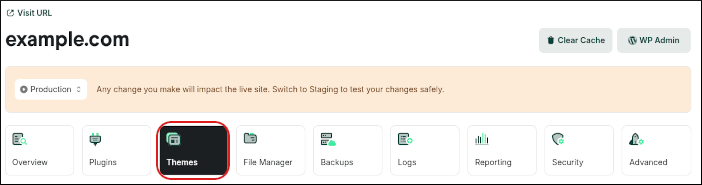
- On the hostingraja.in dashboard, click the Themes icon:
- A list of all installed themes appears, showing each theme’s name, description, version, status, and available actions:
- To activate a theme: Click Activate on the right side of the theme row.
- To deactivate the active theme: First activate a different theme (WordPress always requires one active theme).
- If an update is available: An Update option will appear in the Actions column.