

- Log in to the Hosting Panel at https://clients.hostingraja.in/
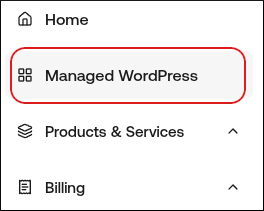
- In the left sidebar, click Managed WordPress:
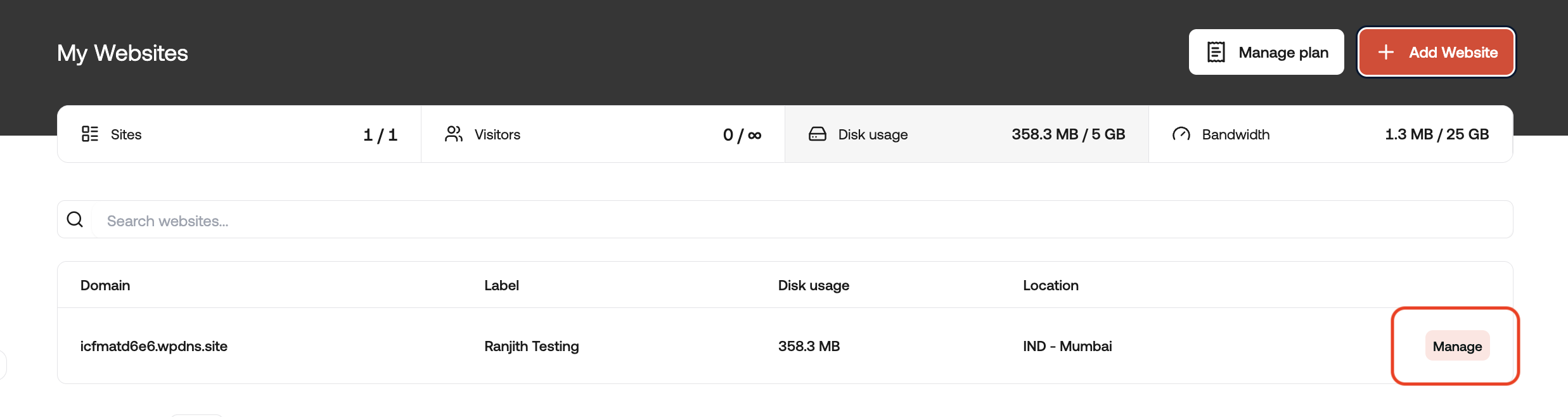
- On the My Websites page, locate the site, and then click Manage:
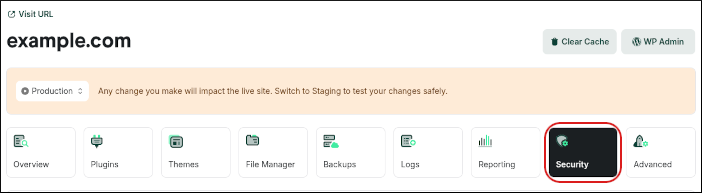
- On the hostingraja.in dashboard, click the Security icon:
- To lock your site, in the Lock My Site section, click the slider:

When your site is locked, no changes can be made to your site’s files and database. For example, if you have a site with static content, this feature helps increase site security. On the other hand, if you have a site with dynamic content (such as an e-commerce site), you should not enable this feature.
- To enable password protection for your site:
- Click the Password Protection slider, and then click Add User:

- In the Add User dialog box, type the username and password you want to use, and then click Add User:
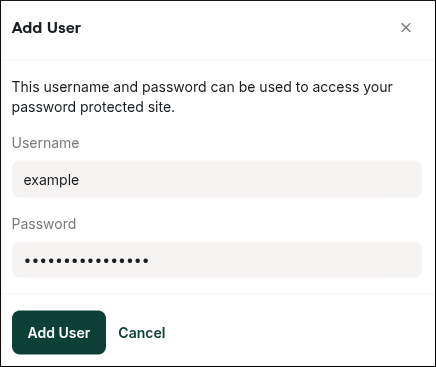
When password protection is enabled, visitors must type a username and password to access your site.