

- Log in to the Hosting Panel at https://clients.hostingraja.in/
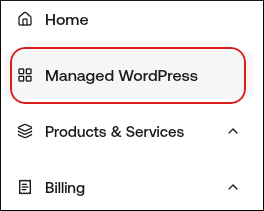
- In the left sidebar, click Managed WordPress:
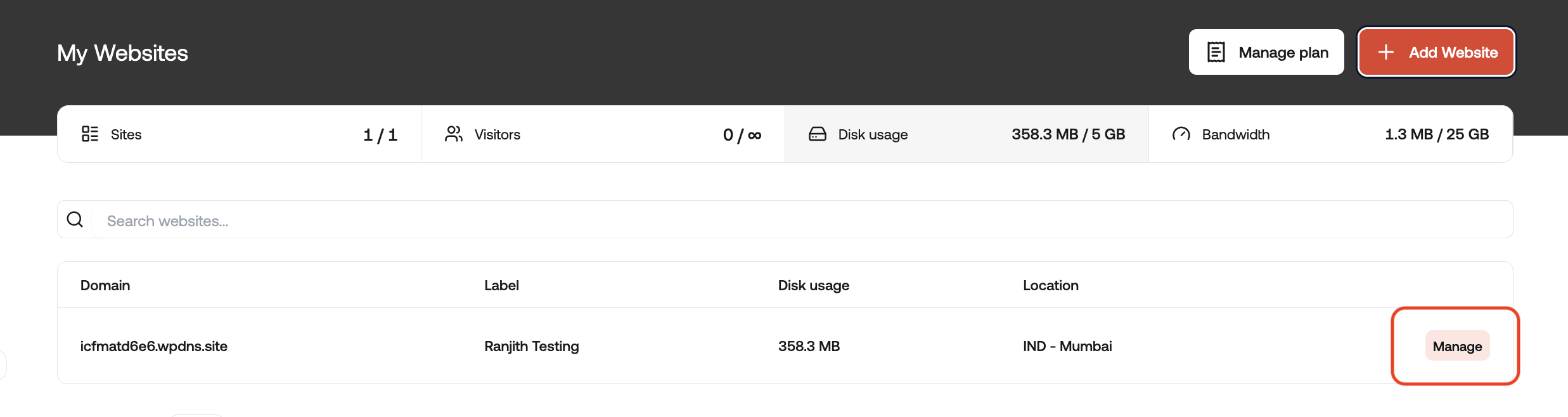
- On the My Websites page, locate the site, and then click Manage:
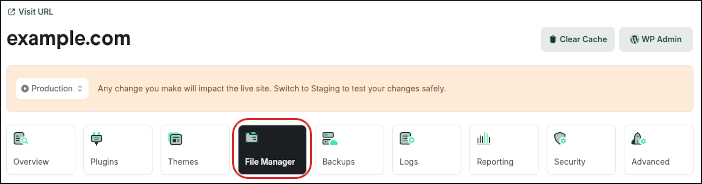
- On the hostingraja.in dashboard, click the File Manager icon:
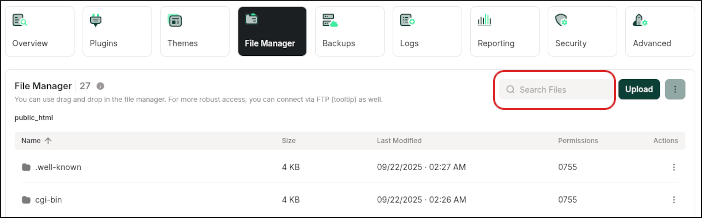
- In the Search Files text box, type error_log:
- If there is an error_log file present, click the filename to view its contents. On the right side is a scrollbar that shows your current position in the file. The error_log file will often have very long lines, so you can use the scrollbar at the bottom to scroll to the right to see the rest of the line.
- If an error_log file is not present, then clear the search, and check again in the wp-admin and wp-content folders. If you don’t see any error_log files, you might need assistance. You can open a support ticket with us at https://clients.hostingraja.in/