

- Log in to the Hosting Panel at https://clients.hostingraja.in/.
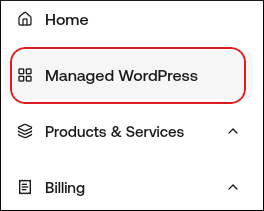
- In the left sidebar, click Managed WordPress:
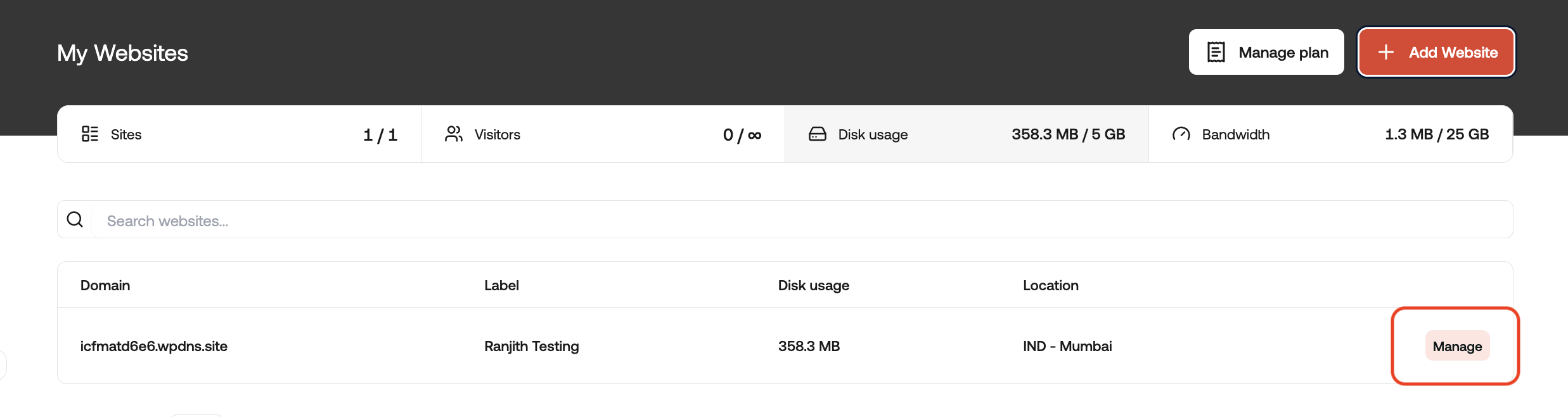
- On the My Websites page, locate the site, and then click Manage:
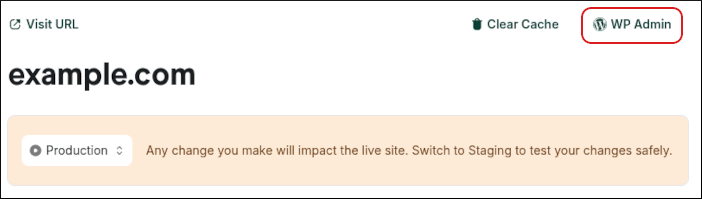
- At the top right of the page, click WP Admin:
Managed hosting for WordPress powered by Rocket.net
How to log in to your WordPress admin area on hostingraja.in Managed WordPress
Learn how to log in to your WordPress admin area on a hostingraja.in Managed WordPress hosting plan.
When you are in the hostingraja.in Dashboard, you can log in to a WordPress website’s admin area directly. To do this, follow these steps: