

Viewing and changing account login settings
Viewing and changing account login settingsNoteYour cPanel hosting username and password is different from the e-mail address and password that you use to log in to the hostingraja.in Hosting Panel. You use your cPanel hosting username and password to access cPanel, SSH, FTP, and more.
- Log in to the Hosting Panel at https://clients.hostingraja.in/
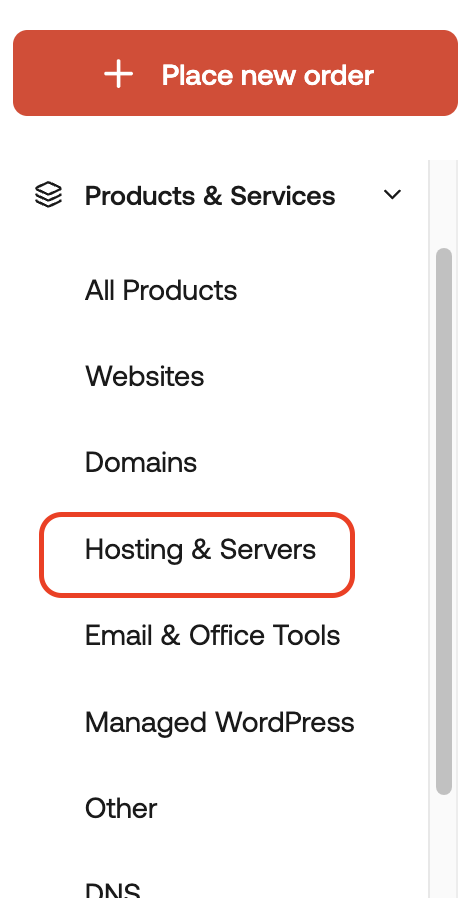
- In the left sidebar, under Products & Services, click Hosting & Servers:
- On the Hosting & Servers page, locate your hosting account, and then click Manage.
- In the General section, details appear for your account, including:
- Your username.
- Nameserver information.
- Server name for your account.
- Account IP address.
- Account domain name.
- To log in to your control panel, click Login to Control Panel:

- To change your password, click Change Password:
